Loading…

JobVayu
🎬 Video tutorials
Watch how to set up JobVayu and auto-apply to jobs, step by step.
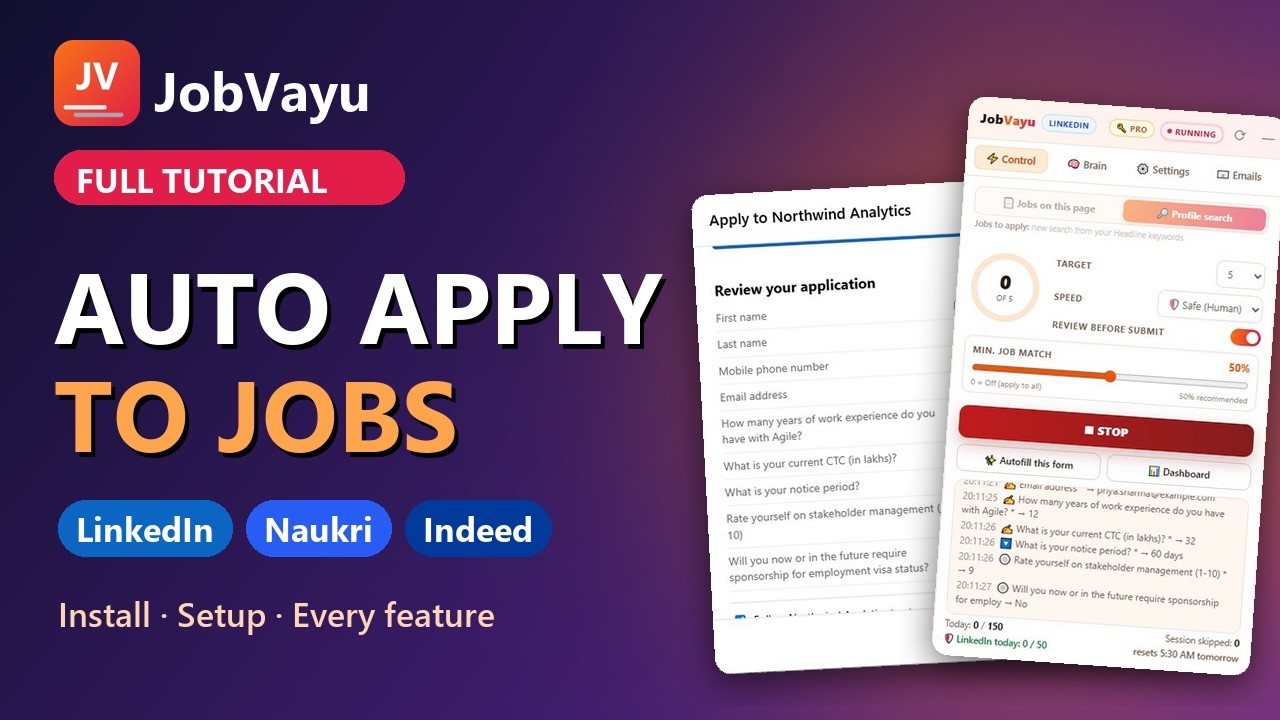 ⭐ Start here
Complete setup guide & full overviewInstall, key, every menu, real runs on LinkedIn, Naukri & Indeed, Company Jobs, Email Finder · 22 min · YouTube
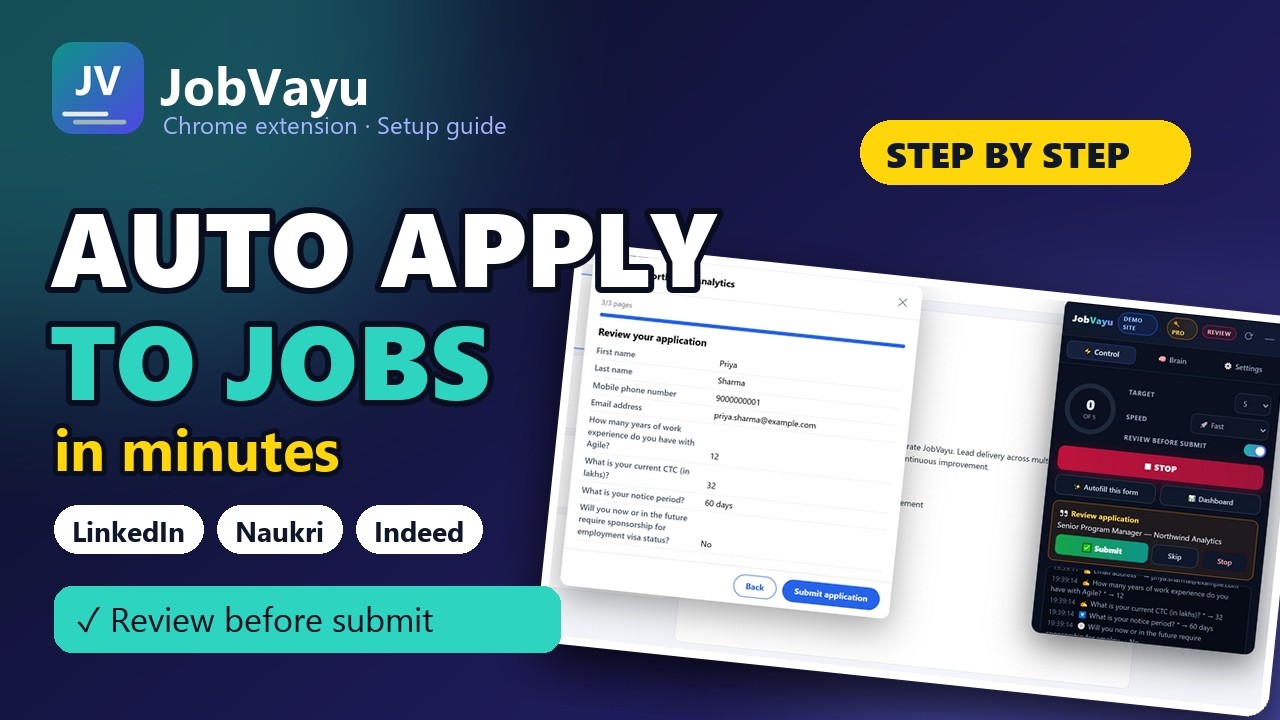
Setup tutorial: auto-apply to jobs on LinkedIn, Naukri & IndeedInstall JobVayu, fill your profile and start your first run · YouTube
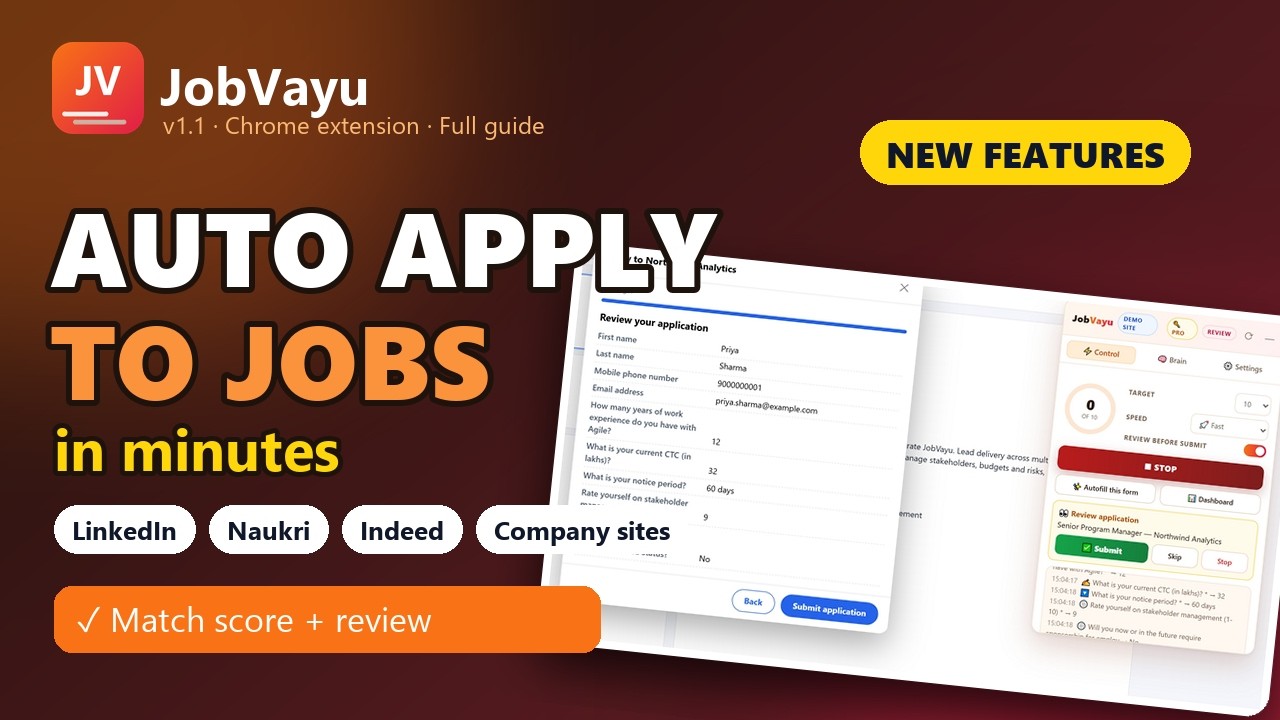
Full tour: LinkedIn, Naukri, Indeed & company career sitesEvery JobVayu feature, including Company Jobs · YouTube
Auto-apply to jobs on LinkedIn, Naukri and Indeed
JobVayu is a Chrome extension that applies to jobs for you. Save your profile and resume once, choose a job search and press Start — JobVayu opens each job, answers the screening questions and submits the application, or pauses so you can review it first. Free plan: 5 applications a day.
- LinkedIn Easy ApplyOpens each job, fills every step and submits — or waits for your OK.
- Naukri & IndeedApplies through Naukri’s apply flow and Indeed’s smart-apply forms.
- Any careers pageOne-click Autofill for company job application forms.
- Smart answersNotice period, CTC, experience, skills and yes/no questions answered from your profile.
- Learns from youAnswer a new question once; JobVayu remembers it for next time.
- Resume to profileReads your PDF/Word resume in the browser and fills your profile for you.
- Optional AIUse your own Groq, OpenAI or Gemini key for tricky written answers.
- Private by designYour profile and resume stay in your browser. Only the license key is checked online.
How it works
- Install the JobVayu extension in Google Chrome.
- Fill your profile — or let JobVayu read it from your resume.
- Open LinkedIn, Naukri or Indeed from the extension and press Start.
- Review each application (optional) and track everything in the dashboard.
Frequently asked questions
What is JobVayu?
JobVayu is a Chrome extension that fills and submits job applications for you on LinkedIn Easy Apply, Naukri and Indeed, and auto-fills forms on any company careers page, using the profile and resume you save once.
What is the latest version of JobVayu?
The latest version is …
Which job sites does JobVayu support?
LinkedIn (Easy Apply), Naukri and Indeed are fully supported for auto-apply. The Autofill button also fills application forms on most other careers pages.
Is JobVayu free?
Yes. The Free plan allows 5 applications per day. Paid plans: 1 Day ₹49 (100/day), Monthly ₹299 (150/day), Quarterly ₹799 (300/day, 2 devices) and Yearly ₹2499 (300/day, 3 devices).
Can I review applications before they are submitted?
Yes. With “Review before submit” switched on, JobVayu pauses on every application so you can submit or skip it yourself.
How does JobVayu answer screening questions?
It uses your profile (experience, notice period, CTC, location, skills), a personal answer bank that learns from you, and optionally an AI model (Groq, OpenAI or Gemini) with your own API key.
Can JobVayu fill my profile from my resume?
Yes. Upload your PDF or Word resume and JobVayu reads it inside your browser and suggests your name, contact details, experience, current job, skills and education for you to confirm.
Is my data safe?
Your profile, resume and answers are stored only in your own browser. JobVayu does not upload your resume to its servers; only the license key is checked online.
How do I buy a license key?
Choose a plan on this page, pay by UPI and submit the UTR/transaction ID. After the payment is verified you receive your license key and installation steps by email. Digital purchases are non-refundable.